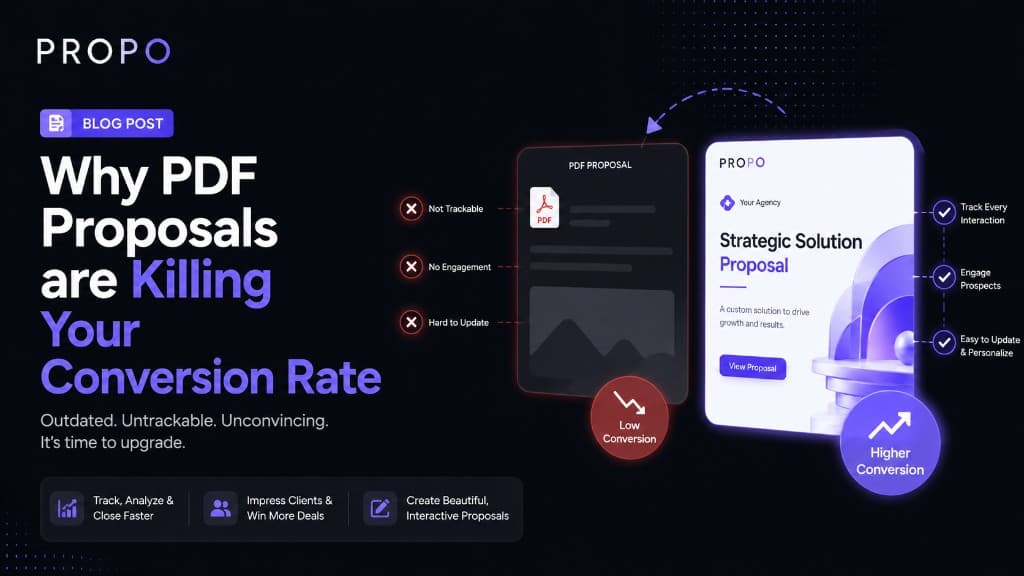
Why PDF Proposals Are Killing Your Conversion Rate
You spent two hours on that proposal. The scope was clear, the pricing was fair, the PDF looked clean. You hit send, followed up twice, and never heard back.
It's easy to blame the client. But sometimes the problem is the format itself.
PDF proposals made sense when the alternative was printing and mailing a document. In 2026, the way clients read, evaluate, and respond to proposals has changed significantly, and a static PDF is fighting against almost every part of that shift.
This isn't an argument to never use PDFs. It's an argument to understand what they cost you, and to think more carefully about when and how you use them.
The Problem with PDFs Isn't the Design
Most freelancers and agency owners who use PDFs put real effort into them. Custom layouts, branded colors, clean typography. The design isn't usually the issue.
The issue is what a PDF can't do, and how those limitations quietly work against you at every stage of the client decision process.
1. You Have No Idea What Happens After You Send It
When you email a PDF, it disappears into the void. You don't know if the client opened it. You don't know if they got to the pricing page or stopped reading after the introduction. You don't know if they forwarded it to someone else for a second opinion.
That uncertainty forces you into awkward follow-up. "Just checking in to see if you had a chance to look at the proposal" is a sentence that has ended more client relationships than it has saved.
Proposal tools that generate trackable links, or interactive proposals, tell you exactly when the client opened it, how long they spent on each section, and whether they came back a second time. That information changes how you follow up. Instead of guessing, you know whether to push or give it another day.
A PDF gives you nothing.
2. Mobile Is Where Proposals Go to Die
A significant portion of your clients will open your proposal on their phone. Maybe they're commuting, maybe they're between meetings, maybe they just check email on mobile out of habit.
PDFs on mobile are painful. Pinching and zooming to read a pricing table. Scrolling sideways to see a column that got cut off. Text that renders at 6pt because the layout was designed for A4. Most clients won't fight through it. They'll close the tab and tell themselves they'll look at it properly later. Later rarely comes.
Interactive proposals and well-structured web-based documents render cleanly at any screen size. The client reads the whole thing on their phone during a 20-minute train ride, has questions, and replies that evening. That's a faster sales cycle, and it happens because the format didn't create friction.
3. Clients Can't Interact with a Static Document
A PDF is a monologue. The client reads it, or doesn't, and then has to compose a reply to ask questions or request changes.
The most common thing clients do after reading a proposal is ask to change something: the timeline, a line item, the scope of one deliverable. With a PDF, that conversation happens over email, back and forth, with you generating a new version each time and the client losing track of which PDF is current.
An interactive proposal can include embedded comment fields, approval buttons, or configurable options (add-ons, payment terms, package choices). The client makes their choices inside the document, and you get a clear decision rather than a threaded email chain to decode.
Even a simple "accept this proposal" button reduces friction significantly. The fewer steps between "I want to work with this person" and "I have formally said yes," the higher your conversion rate.
4. A PDF Doesn't Follow Up for You
A client reads your proposal, likes it, but gets pulled into something else and forgets to reply. With a PDF, that deal just quietly dies. You have no signal that anything went wrong until you follow up manually, and by then the moment has passed.
Some proposal platforms send automatic reminders when a proposal has been viewed but not signed after a certain number of days. That nudge, sent at the right moment, recovers deals that would otherwise slip through the cracks without any action on your part.
5. Every Version Is a New Problem
You send a proposal. The client asks for a scope change. You update the document, export a new PDF, and email it again with a note saying "updated version attached." Three emails later, neither of you is sure which file is the one that's actually been agreed on.
Version confusion is a real problem that leads to billing disputes, missed deliverables, and frustrating conversations months into a project. A live document or a proposal link that you update in place solves this cleanly. Both parties are always looking at the same thing.
When PDFs Still Make Sense
To be fair: PDFs aren't going away, and there are situations where they're still the right choice.
Formal procurement processes. Some enterprise clients and government contracts require a PDF submission through a specific portal. You don't have a choice here.
Clients who ask for them. Some clients, particularly older businesses or more traditional industries, prefer a document they can print or archive. Give them what works for them.
Archiving signed agreements. A signed PDF is a clean record. Even if your proposal workflow is interactive, exporting a final PDF of the agreed terms is worth doing.
The problem isn't PDFs in these contexts. The problem is defaulting to PDFs for every proposal, with every client, because it's what you've always done.
What to Do Instead
You don't need to overhaul your entire process overnight. A few practical shifts can make a real difference:
- Use a proposal tool that generates trackable links. Know when your proposals are opened. That information alone will change how you follow up and when.
- Make your proposal mobile-readable. Whether that's an interactive tool, a well-structured web page, or a carefully formatted PDF, test how it looks on a phone before you send it. If you have to pinch and zoom to read the pricing, so does your client.
- Add a clear action at the end. Every proposal should have an obvious next step: a button, a reply prompt, a signature field. Don't make the client figure out what to do after reading.
- Stop resending version after version. Use a tool that lets you update the proposal in place, or at minimum keep a clear version number in the filename and explicitly state which version supersedes the last.
- Track your close rate by format. If you've sent 20 proposals as PDFs and 10 as interactive links, compare the conversion rates. The data will tell you what's working.
The Real Cost of Friction
Every extra step between a client deciding they want to work with you and actually saying yes is an opportunity for them to reconsider, get distracted, or choose someone else who made the process easier.
Proposal format is a form of friction. A PDF that doesn't render well on mobile is friction. An unclear next step is friction. A version confusion email chain is friction.
None of these things kills a deal on their own. But across dozens of proposals a year, the cumulative effect on your conversion rate is real. Removing that friction, with better tools, better formats, and clearer calls to action, is one of the highest-leverage things you can do to win more of the work you're already pitching for.
A Note for Freelancers and Agencies in India
Most of the proposal tools that address these problems are priced in USD and built around Western client workflows. If you're billing in INR, working with Indian clients, or regularly sending proposals via Upwork and Fiverr, the fit isn't always great.
Propo is built specifically for this context: AI-generated proposals with INR pricing, clean PDF exports when you need them, and a workflow designed for how Indian freelancers and agencies actually sell their work. The free plan is a low-commitment way to see whether it changes anything for you.
Win More Clients with Better Proposals
Create professional proposals for Fiverr, Upwork, and direct clients in minutes using AI-powered generation and premium templates.
Keep reading
Similar guides
More on proposals, pricing, and winning clients, picked for this topic.
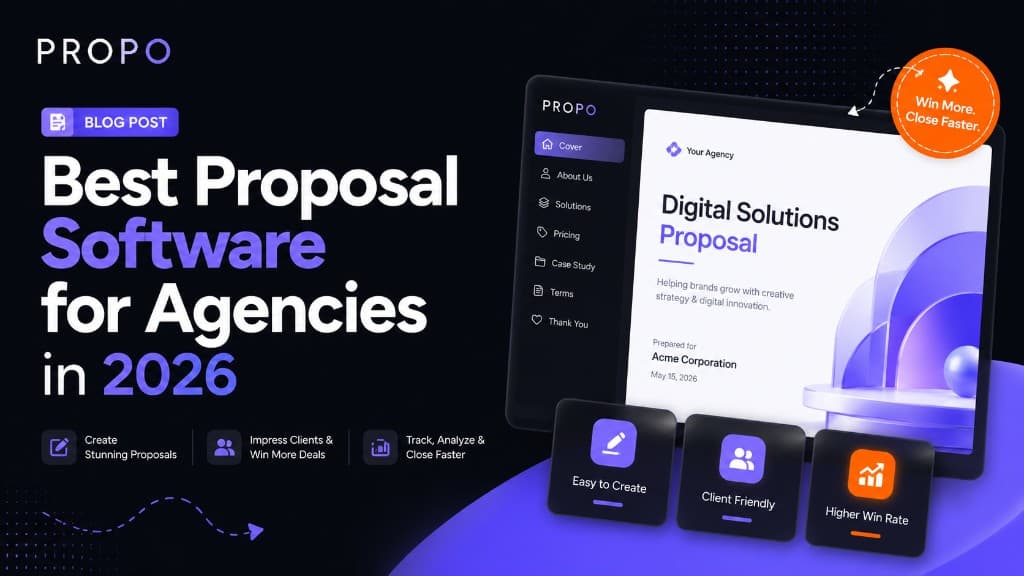
Best Proposal Software for Agencies in 2026
What to look for in agency proposal software—from interactive formats and branding to pricing tables and approval workflows that help studios close more retainers.
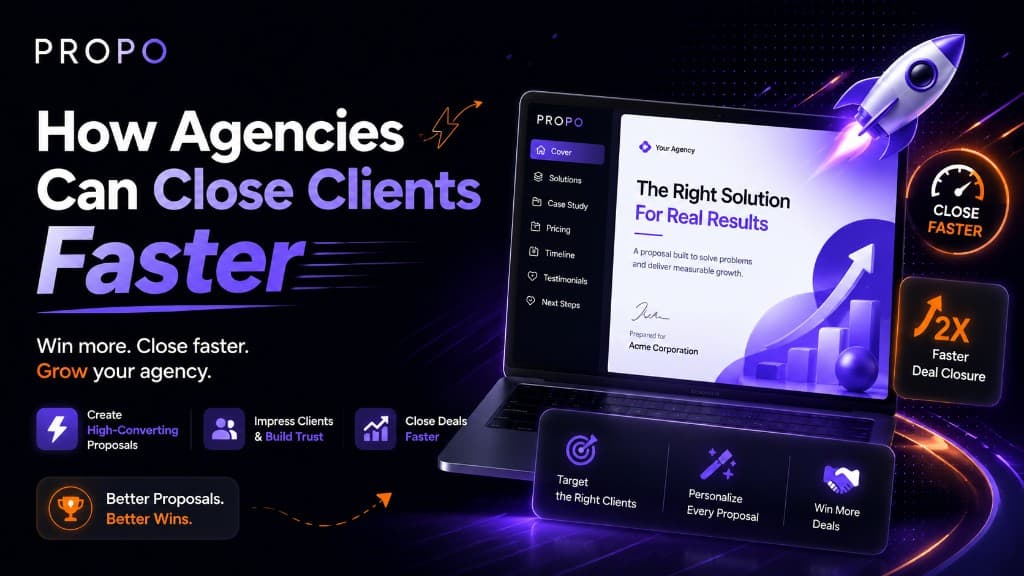
How Agencies Can Close Clients Faster
Speed, clarity, and follow-up discipline beat longer proposals. Practical systems for scope, pricing, and interactive documents that move deals to signed.